
Webinars & Events / Marketplace Masterclass
Past Webinars
Marketplace Masterclass
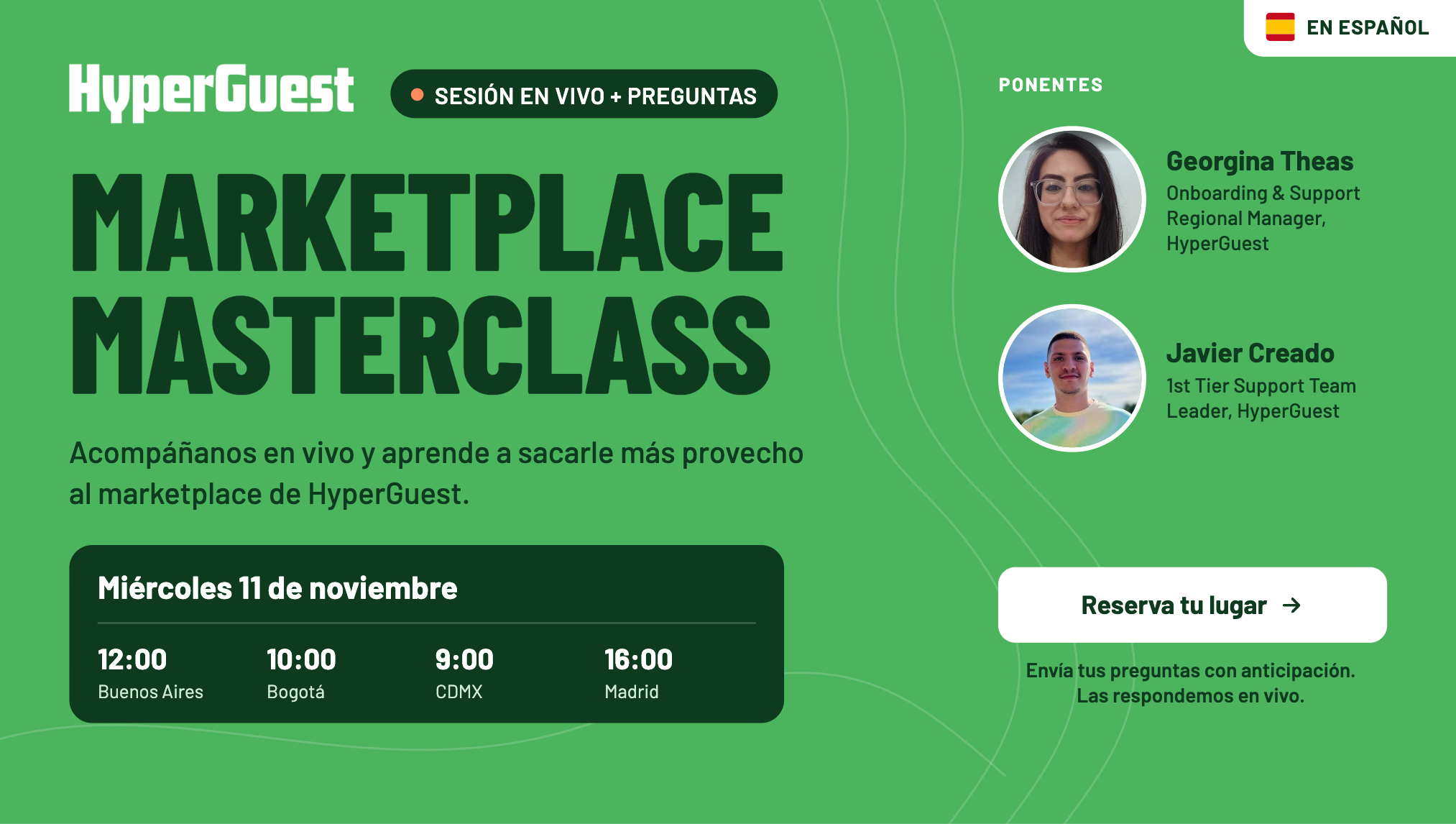
A practical walkthrough of the HyperGuest Marketplace, from loading rates to getting booked, with live answers to hoteliers’ questions.
November 11, 2026
Webinar Recap
Hotels on HyperGuest get searched by demand partners every day, but not every search turns into a booking. This session walked partners through the full path from loading rates to getting booked: how to read My Partners, when to use the Marketplace versus a contract, how to set terms and promotions by agency or segment, how Revenue Compass adjusts rates automatically, and how virtual card payments work. Georgina Theas, Onboarding & Support Regional Manager for the Americas, and Javier Creado, 1st Tier Support Team Leader, answered live questions from hoteliers in the audience.
Speakers

Georgina Theas
Onboarding & Support Regional Manager, HyperGuest
Georgina Theas
Onboarding & Support Regional Manager, HyperGuest

Javier Creado
1st Tier Support Team Leader, HyperGuest
Javier Creado
1st Tier Support Team Leader, HyperGuest
Video Recording
Key Takeaways
- See who’s searching and not booking. My Partners shows every demand partner that searched your hotel in the last seven days, whether they received rates and whether they booked. A partner that searches often but never books is your clearest opportunity for a targeted promotion or contract.
- Marketplace for reach, contracts for specifics. The Marketplace opens your property to every connected demand partner. Contracts set agreed conditions with one agency, like a negotiated rate or payment method, and need approval from both sides.
- Check Terms before adding a promotion. Terms always apply, so a new promotion stacks on top of any sell-to-net conversion. Double-check so your rate doesn’t drop lower than you planned.
- Price against B2B, not OTAs. Benchmark against what you give bedbanks like Hotelbeds. Revenue Compass can then adjust your rate step by step until bookings start.
- HyperGuest guarantees payment. If a virtual card fails, contact care@hyperguest.com and don’t charge the guest.